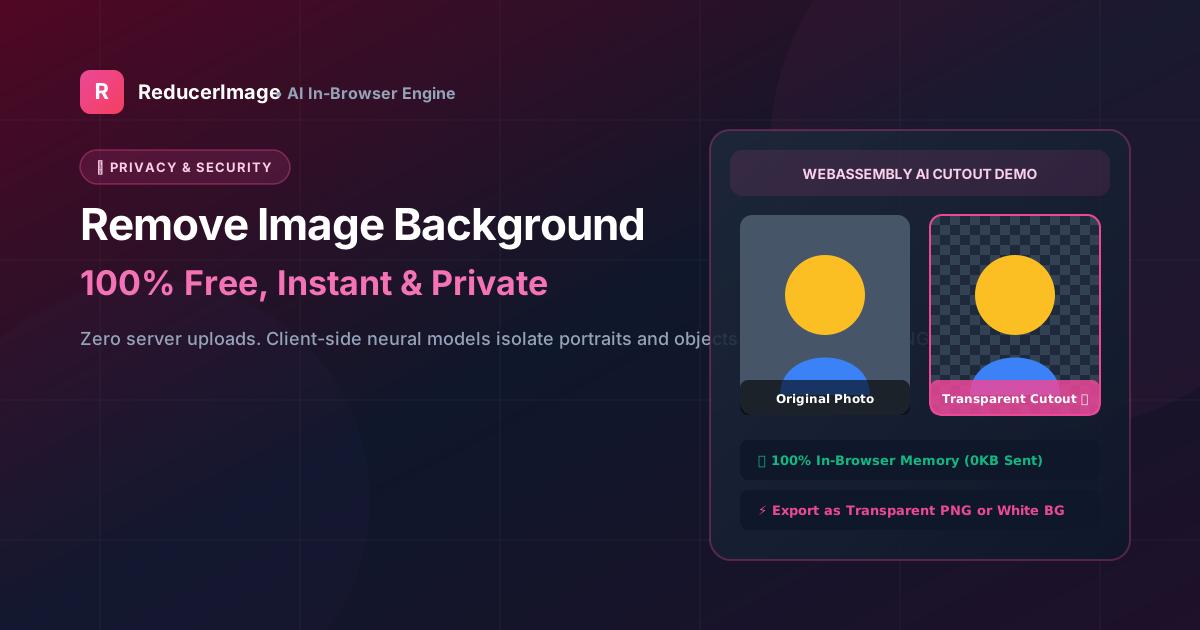
Need a clean white background for an official passport photo or a transparent background for an e-commerce product listing? In the past, removing a photo background required expensive graphic design software like Photoshop and hours of manual lasso selection.
Today, client-side browser AI makes it possible to isolate subjects and remove backgrounds with a single click—without uploading your personal photos to unknown servers.
Why In-Browser Background Removal is Safer
Most commercial background removal tools upload your photos to external cloud servers where they are processed by third-party APIs. If you are editing a photo of a government ID card, driving license, or personal family portrait, this creates a major privacy risk.
With ReducerImage's Free Background Remover, the neural segmentation model runs entirely in your local browser memory using WebAssembly. Your photos are never transmitted over the network.
Step-by-Step Guide
- Upload Your Photo: Select any portrait, selfie, or product photo.
- Automatic AI Detection: The tool automatically detects human faces, hair boundaries, and product silhouettes in seconds.
- Choose Background Output: Select Transparent PNG (ideal for graphics and design) or Solid White JPEG (for official exams and passport applications).
- Download in High Resolution: Save your clean, transparent photo instantly with no watermarks and no subscriptions.
Reader Comments (0)