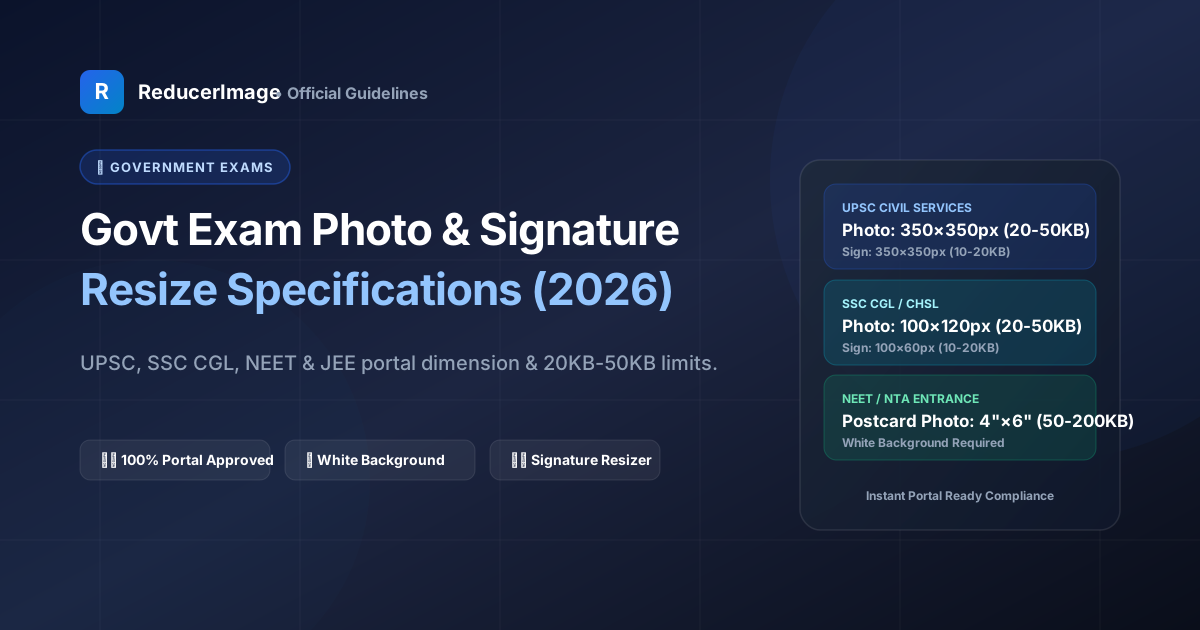
Applying for government recruitment or competitive entrance exams in India—such as UPSC Civil Services, SSC CGL/CHSL, NTA NEET, JEE Main, or IBPS Banking—can be stressful. One of the most common reasons online application forms get rejected during preliminary screening is an improperly formatted photograph or signature.
Government portals use automated server validation scripts that immediately reject any upload that exceeds even a single kilobyte or fails to match exact pixel dimensions. In this guide, we break down the official requirements for all major exams and show you how to ensure 100% compliance on the first try.
Official Portal Specifications Quick Reference
| Exam Portal | Photo Dimensions & Size | Signature Dimensions & Size |
|---|---|---|
| UPSC (OTR / IAS) | 350 × 350 px (20 KB – 300 KB), White BG | 350 × 350 px (20 KB – 300 KB), Black ink |
| SSC (CGL / CHSL / MTS) | 3.5 × 4.5 cm / 100 × 120 px (20 KB – 50 KB) | 4.0 × 2.0 cm / 140 × 60 px (10 KB – 20 KB) |
| NTA NEET / JEE | Passport (10 KB – 200 KB) & Postcard (4×6 in) | Running hand (4 KB – 30 KB), Black/Blue ink |
| IBPS / SBI Bank PO | 200 × 230 px (20 KB – 50 KB) | 140 × 60 px (10 KB – 20 KB), White paper |

Top 5 Reasons Exam Portals Reject Uploads
- File Size Exceeded (e.g., 20.1 KB for a 20 KB max limit): Server validation checks exact bytes (20,480 bytes). Even a tiny overshoot will block submission.
- Wrong Aspect Ratio (Stretched or Squished Faces): Resizing without maintaining proportions distorts facial features, causing automated biometrics rejection.
- Dark or Patterned Background: Official rules mandate a plain white or light off-white background with no shadows behind the head.
- Caps, Spectacles with Glare, or Heavy Shadows: Eyes and both ears must be clearly visible. Tinted glasses and selfie angles are strictly disallowed.
- Capital Letter Signatures: Almost all exam bodies (including SSC and IBPS) prohibit signatures written in all-capital letters. Signatures must be in natural running hand.
How to Prepare Your Photos in Under 60 Seconds
Use our dedicated Government Exam Photo Resizer or 20KB Resizer:
- Select your exam preset (e.g., SSC Signature 10-20KB or UPSC Photo).
- The tool automatically crops to the exact required pixel dimensions and DPI.
- Our binary search compressor adjusts byte weights to guarantee your file lands safely within the allowed range.
Reader Comments (0)