Almost every student or job applicant has faced the dreaded error message: "File size must not exceed 20 KB". You snap a picture of your signature or passport photo on your smartphone, but the file comes out to 3.5 MB. When you try to shrink it with basic paint software or online sliders, the signature ends up so pixelated that you cannot even read your own name.
In this tutorial, we explain why compressing to exactly 20 KB is technically challenging, and how our browser engine solves this problem with zero quality loss.
The 20KB Constraint Explained
In computer storage, 20 KB equals exactly 20,480 bytes. If your compressed file is 20,490 bytes (just 10 bytes over), the recruitment portal's backend server will reject it immediately.
Most basic image compressors give you a generic slider (e.g., 50% or 20% quality). Guessing the right percentage manually is frustrating because different images have different entropy: a signature on white paper compresses much more easily than a colorful outdoor photograph.

How ReducerImage's Binary Search Algorithm Solves This
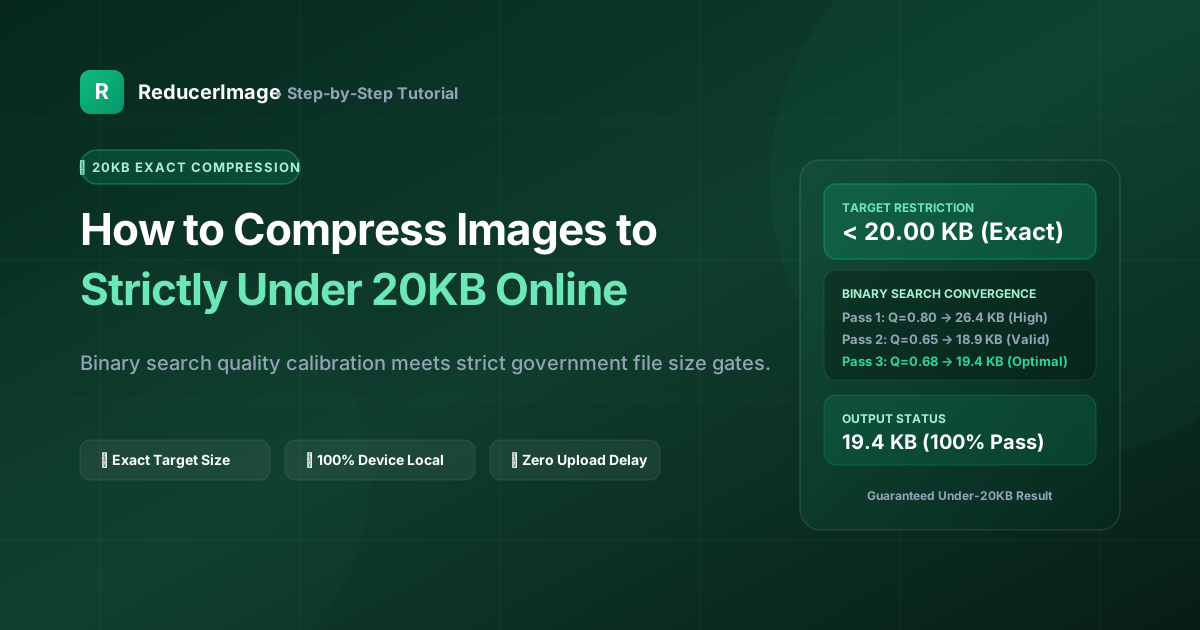
Instead of making you guess, our 20KB Image Compressor uses an automated iterative binary search algorithm directly in your browser's local memory:
- It tests an initial quality midpoint (e.g., 50%).
- It measures the exact output byte length in memory.
- If the file is 24 KB, it immediately tests the lower bracket (25% to 50%). If it is 14 KB, it explores the upper bracket to maximize visual sharpness.
- Within 5 to 7 micro-iterations (taking less than 80 milliseconds), it locks into the highest possible visual clarity that stays strictly between 16 KB and 19.8 KB.
Pro Tips for Signatures & Thumb Impressions
- Sign on Crisp White Paper with Dark Ink: Blue or black ballpoint/gel pens on clean printer paper compress much cleaner than lined notebook paper.
- Crop Out Empty Borders: Do not upload a full page photo with a tiny signature in the middle. Crop tightly around the signature before compressing.
- Ensure Even Lighting: Shadows cast by your phone will increase image complexity (entropy), making it harder to compress without blurriness.
Reader Comments (0)